
Zenbox.
Now on your Mac.
Block the apps and websites that distract you. Unblocking only works by your rules, or by scanning your Zenbox with the camera.
- Free app
- macOS 14 or later
- Apple silicon and Intel
Signed and notarized by Apple. Updates arrive automatically.

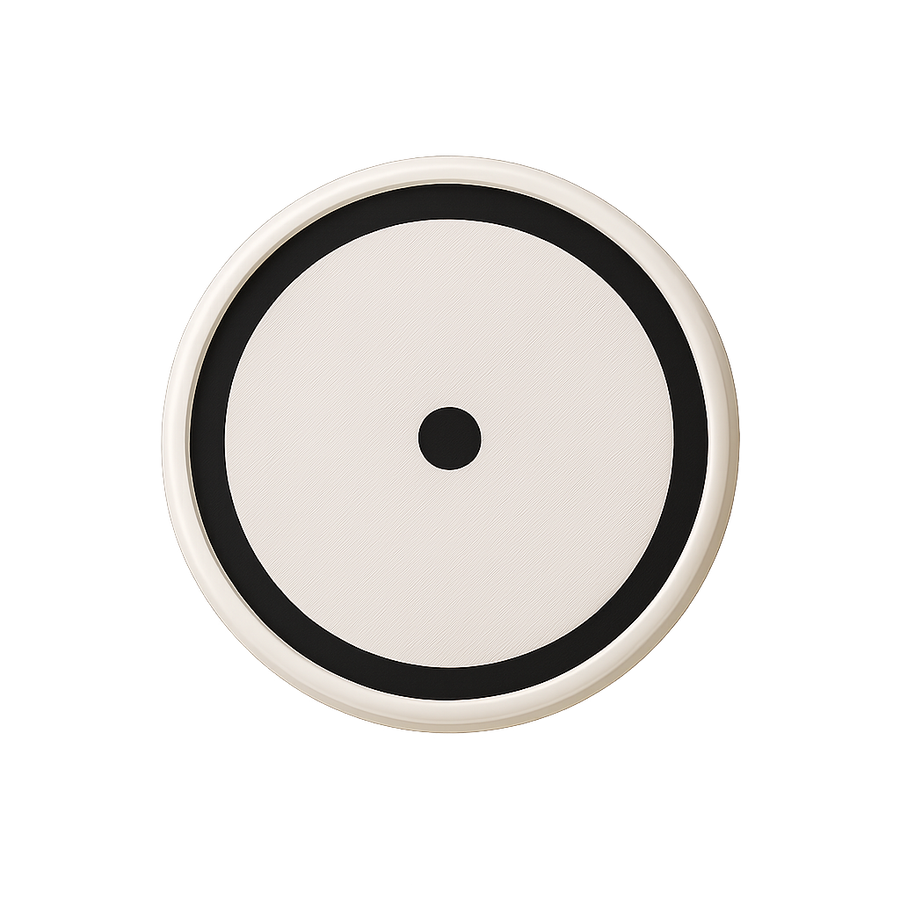
Stop early? Only by your rules.

Apps and websites. On pause.

- AppsBlocked apps get out of your way right away. Keep trying, and Zenbox closes them.
- Websites in every major browserSafari, Chrome, Brave, Edge, Arc, Vivaldi, Opera and Firefox.
- Shorts and Reels onlyBlock YouTube Shorts, Instagram Reels and TikTok without losing the rest of YouTube.
- Allow modeFlip it around: everything is paused except the apps and sites you need for the task. Plus an optional 18+ filter.

Focus that runs itself.

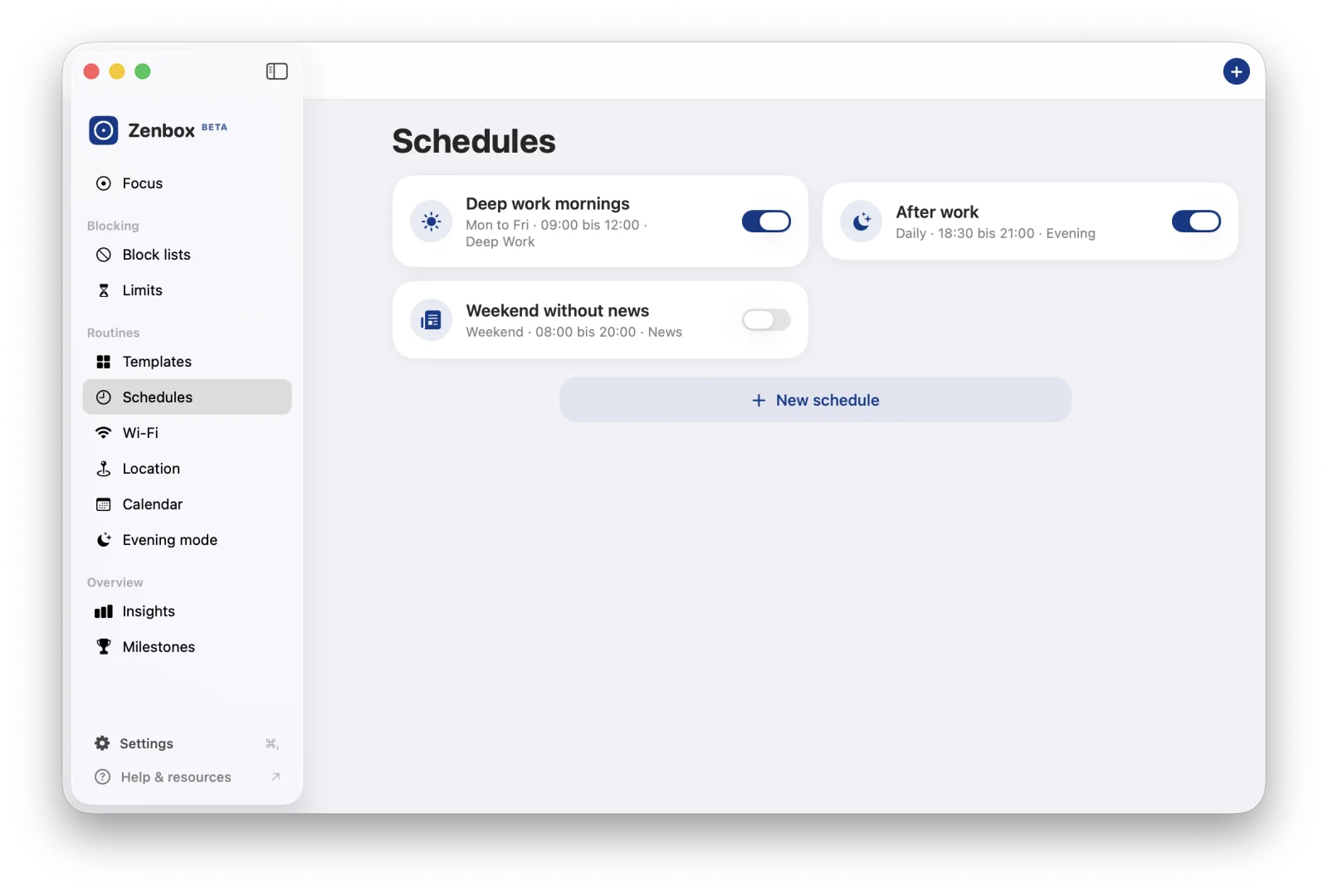
Schedules
Mornings deep work, afternoons email. Blocks start and end on their own.
Limits
A daily budget in minutes or in openings. Before each opening Zenbox asks if you really want to.
Calendar
When an event with your keyword starts, focus starts with it.
Evening mode
Laptop closed in your head too: in the evening only what you choose stays open.
Wi‑Fi and location
In the office network or at your desk, the right block list kicks in.
Pomodoro with intention
Say what you are working on, then focus rounds and breaks follow each other.
Menu bar and shortcut
Remaining time always in view, a new focus is one keyboard shortcut away.
Do Not Disturb and status
On request Zenbox turns on a macOS Focus and sets your status in Slack or Teams via Shortcuts.
See what you win back.
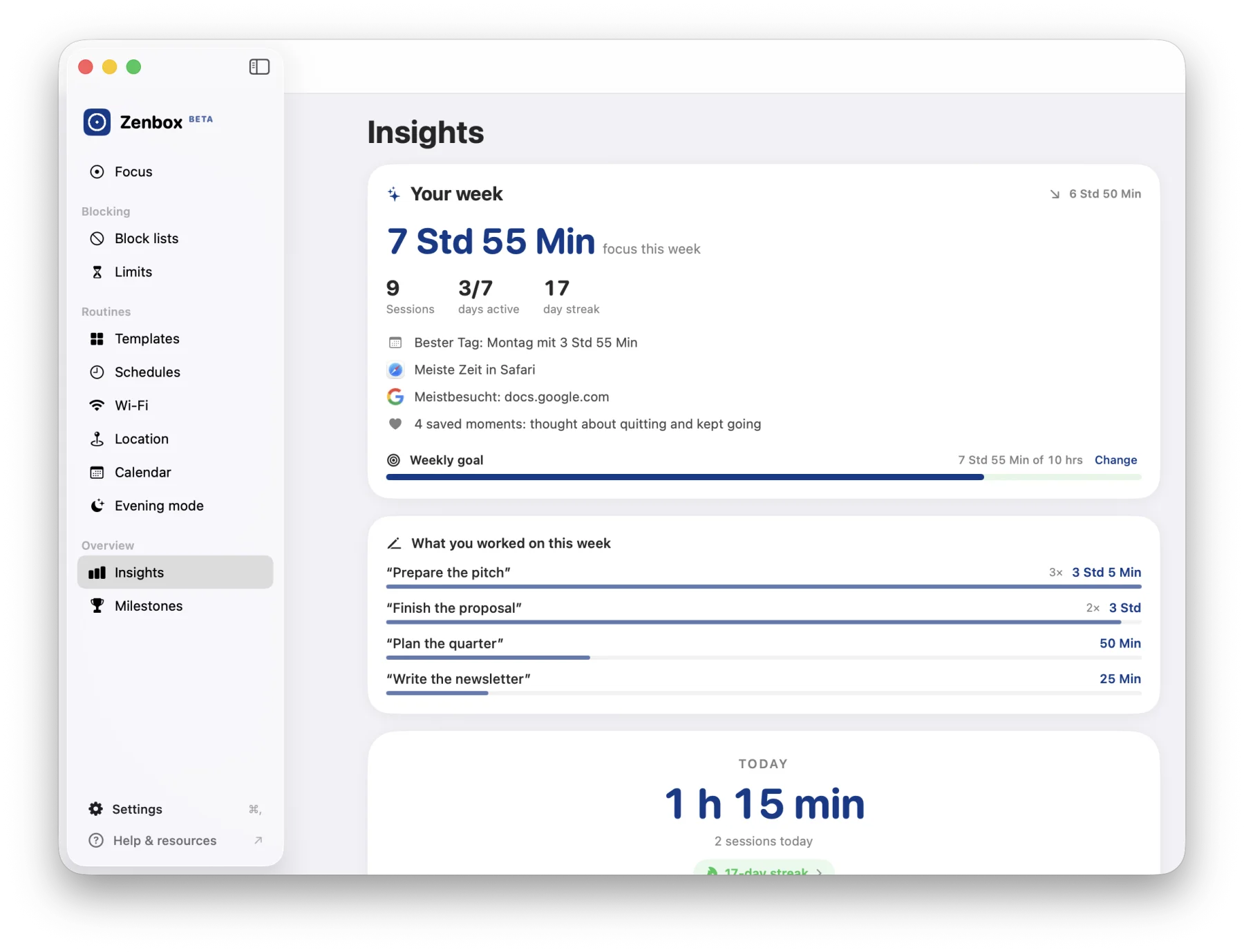
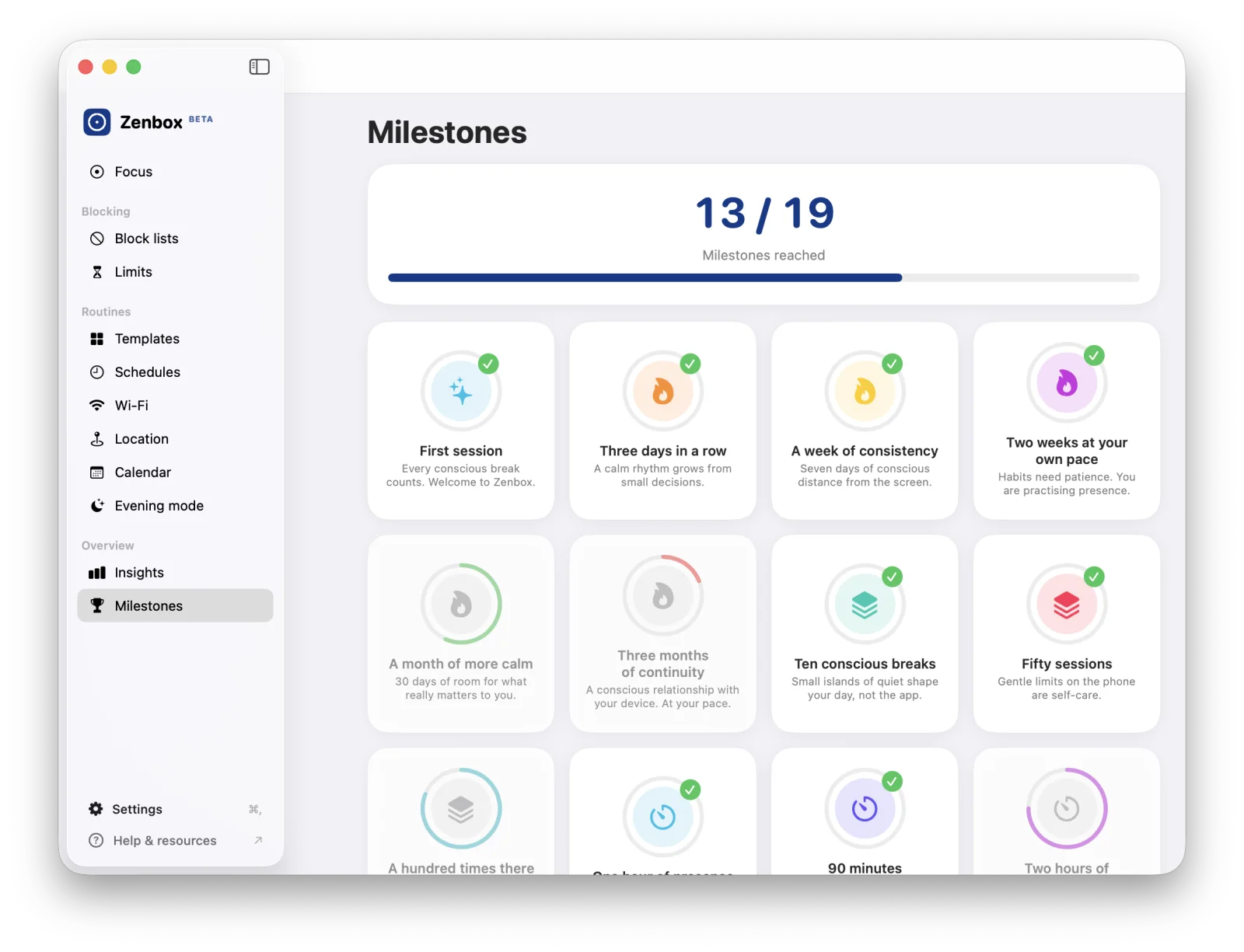
One Zenbox.
All your devices.

Made for your Mac.
Sonoma or later. One app for Apple silicon and Intel.
Built in or a webcam. Only used during the scan.
Block lists, rules and statistics stay on your Mac.
Set up in three steps
Download
Download Zenbox and open the file. Your Mac unpacks the app on its own.
Move to Applications
Drag Zenbox into your Applications folder and start it from there.
Scan once
The setup guides you through apps, websites and browsers and ends with your first scan.
Geliebt von der Presse









This puck helps you stare at your smartphone less often.
“The Zenbox is such a well-made gadget for digital breaks that you wonder why nobody thought of it before. It reduces the time you spend on your smartphone effectively and without hassle. There is no subscription, no sign-up and the app shares no data with the developer.”

Verdict of the product test “Stuttgarter Zenbox ausprobiert”, ntv.de (translated from German)
Questions about the Mac
Do I need a Zenbox for the Mac app?
Which Macs are supported?
Which browsers does Zenbox block websites in?
How do I end a session early?
Can't I just quit Zenbox?
Why isn't Zenbox in the Mac App Store?
What happens to my data?
What does it cost?
Your Mac. Your focus.
Das sagen unsere Kunden


